Submission
management
for
awards contests
Dapple handles the admin: entry forms, fees, judging rounds and winner announcements. You focus on celebrating the best entries.






Customisable entry forms
Customisable entry forms
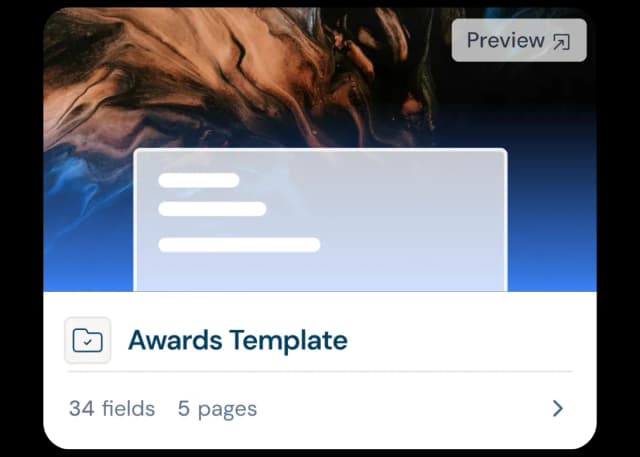
Use existing awards templates and multiple projects to create bespoke forms for each of your categories.
- Pre-built templates: Awards-ready templates. Simply tweak where needed and add an unlimited amount of customisable fields.
- Beautiful forms: Add branding, headers and background imagery to get a fresh modern look.
- Categories: Create bespoke forms for each different category.
- Any file type or size: Accept any file type or size for high res, videos or 3D models.
- Multi-payments: Offer different submission bundles for multiple entry.
Create judging panels
Create judging panels
Managing different juries across multiple categories through several rounds sounds complicated! Dapple makes it easy using the Review Round approach.
- Multiple review rounds: Create multiple review rounds and assign them to different categories and stages within those categories.
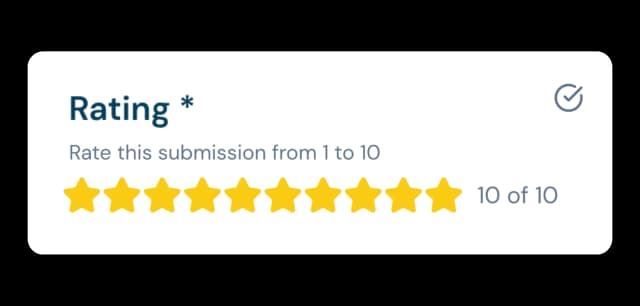
- Scoring & votes: See judges scores, comments and decisions in real time in one intuitive dashboard.
- Feedback: Customise the scoring/voting requirements of each individual panel.
- Transparency: Keep entrants updated so they know where they stand in the process with real time updates in their accounts.
Delight your Judges
Delight your Judges
Your judges must find the whole process as easy as possible. Simple, personalised review accounts enable remote judges to work through assigned submissions quickly.
- Personal accounts: Review accounts with assigned submissions in list views.
- Scoring made easy: Clear selection instructions, scoring, voting and comments from any device, anywhere.
- Judging made simple: They see a simple list of pending and completed reviews with no access to any admin dashboards.
- Anonymous scoring: A hidden creator profile for anonymous judging.
Manage the journey
Manage the journey
Once the reviews are in, it's easy to manage for your admin team. See average scoring, preferred votes and send your artists messages in bulk.
- Manage with ease: There are filters, tags, ranking, average scores and voting.
- Stages: Divide your submissions into custom stages and create automations for each stage.
- A visual board: A drag and drop kanban board displaying all submissions across all stages.
- Bulk actions: Message thousands of entries in one go with with bulk actions.
- Draft reminders: Automate reminder messages to those with draft applications, nudging them to finish.
Everything, everywhere, all at once
Everything, everywhere, all at once
Run multiple awards? No problem. You can host an unlimited number of awards simultaneously, all from one platform.
- Multiple awards: Toggle between different awards, each with different rules, dates, timings, judges, forms and run them all at the same time.
- Advanced filtering: Filter by category, tags, stages, status and even individual form fields and answers for sub-categories.
- Data: See all awards data and analytics in one single dashboard.
- User permissions: Create bespoke teams of users, reviewers and admins across multiple different awards
Run public voting
Run public voting
Add a public voting option to any category. Publish your finalists to a public gallery, let your audience vote, and know every vote that counts came from a real person.
- Public voting galleries: Turn any stage into a public voting page that fills automatically with the entries that reach it.
- Your rules: Set how many entries each person can vote for, and schedule voting to open and close automatically.
- Verified votes: Voters confirm with their email, Google or Microsoft account, so results reflect real people rather than spam or duplicate votes.
- Protection built in: CAPTCHA, rate limits and IP auditing guard against bots and vote stuffing.
- Live results: Track verified and total votes for every entry in real time, then export the results to CSV.
Managing awards? See how much your entries could generate.
Calculate Your RevenueFrequently Asked Questions
Awards management software is a platform that lets organisations collect, review, judge, and manage entries for awards, contests, and open calls in one place — replacing spreadsheets, email threads, and disconnected forms with a single workflow.
In Dapple, you build a submission form using pre-built awards templates or the AI form generator, then customise it with your own fields, branding, and categories. You can create multiple categories using things like steps and conditional logic and accept any file type or size, including high-res images, video, or 3D files.
You set up review rounds and assign each one to specific categories or stages. Judges score, vote, and leave comments through their own personal accounts, and admins see all results — including average scores and rankings — in a single dashboard.
Yes. Dapple supports anonymous scoring by hiding entrant/creator profiles from judges, so reviews are based purely on the submission itself.
Entries move through customisable stages on a kanban-style board. You can filter, tag, and rank submissions, then use bulk actions to message large groups of entrants — for example, sending automated reminders to anyone with an unfinished draft.
Yes, Dapple supports unlimited simultaneous awards on one platform, each with its own rules, dates, judges, and forms, while still giving you combined analytics and data across all of them.
Yes. Dapple Galleries let you publish your finalists to a public voting page for a people's choice or audience award. Voters verify with email, Google or Microsoft, so duplicate and spam votes don't count, and you can track verified votes in real time. Galleries are available on the Growth and Pro plans.